On-Device OCR in Flutter: What It Actually Costs
Pavlo Rubanovskyi
July 24, 2026 · 7 min read
The default choice, and why we did not take it
The straightforward way to build a receipt scanner is to upload the photo. A cloud OCR endpoint is more accurate, improves without you shipping an update, and takes an afternoon to wire up.
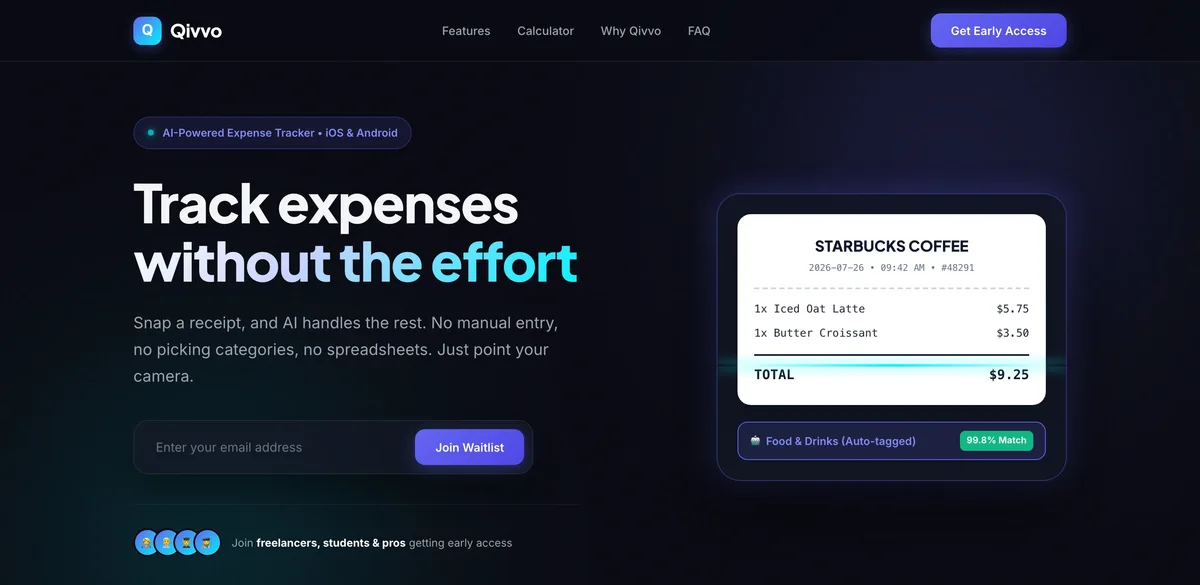
For Qivvo, our expense tracker, we did the opposite: text recognition runs on the phone with google_mlkit_text_recognition, and the parsed result lands in a local SQLite database through drift. The photo of your receipt never leaves the device.
This article is about what that decision costs, because the benefits are the easy half.
What you give up
Accuracy on hard inputs. Cloud OCR models are larger and newer. On a crumpled thermal receipt photographed in a dim restaurant, a server-side model wins. On-device recognition is very good on flat, reasonably lit text and degrades faster than a cloud model does.
The improvement loop. When recognition fails in a cloud setup you can inspect the image, retrain, and every user benefits tomorrow. We cannot. We have no images to inspect — by construction. Improvements arrive only when Google ships a better model or we ship better preprocessing.
Binary size and cold start. The recognition model ships with the app. That is real megabytes and real first-run initialisation, on every install, including users who never scan anything.
What you get
There is no breach to have. The most reliable way to protect a database of everyone's spending is not to have one. No upload endpoint, no bucket of receipt images, no retention policy to write or get wrong.
It works with no signal. Scanning on a plane, in a basement restaurant, or abroad without roaming behaves identically to scanning at home. For a tool people reach for at the moment of paying, that matters more than a few accuracy points.
The privacy claim is structural, not procedural. "We do not look at your receipts" is a promise. "The receipt never reaches us" is an architecture. Only the second survives a change of ownership, a subpoena, or a misconfigured bucket — the same reasoning behind how we built Kvit.
Where the engineering effort actually goes
With the model fixed, quality comes from everything around it:
1. Capture, not recognition. Most failures are bad frames. Guiding the shot — edge detection, hold-still prompts, rejecting blurred frames before recognition — beats any post-processing. 2. Parsing is the hard half. ML Kit returns text blocks with positions, not a receipt. Turning that into merchant, date, line items and total is layout heuristics, and it is where the product lives. 3. Correction has to be pleasant. On-device means no server will silently fix a mistake later, so editing a wrong total must take two taps, not a form.
When we would still choose the cloud
We would not put this architecture in every app. Cloud OCR is the right answer when documents are high-variance and business-critical — invoices in dozens of layouts, legal documents, anything where a missed digit is a costly error and the user expects a processing wait.
The test we apply: would the user be upset if this image sat on someone's server? For a restaurant receipt in a personal budgeting app, the answer is yes, and that settles it.