Migrate a Native App to Flutter Without a Feature Freeze
Pavlo Rubanovskyi
· 9 min read
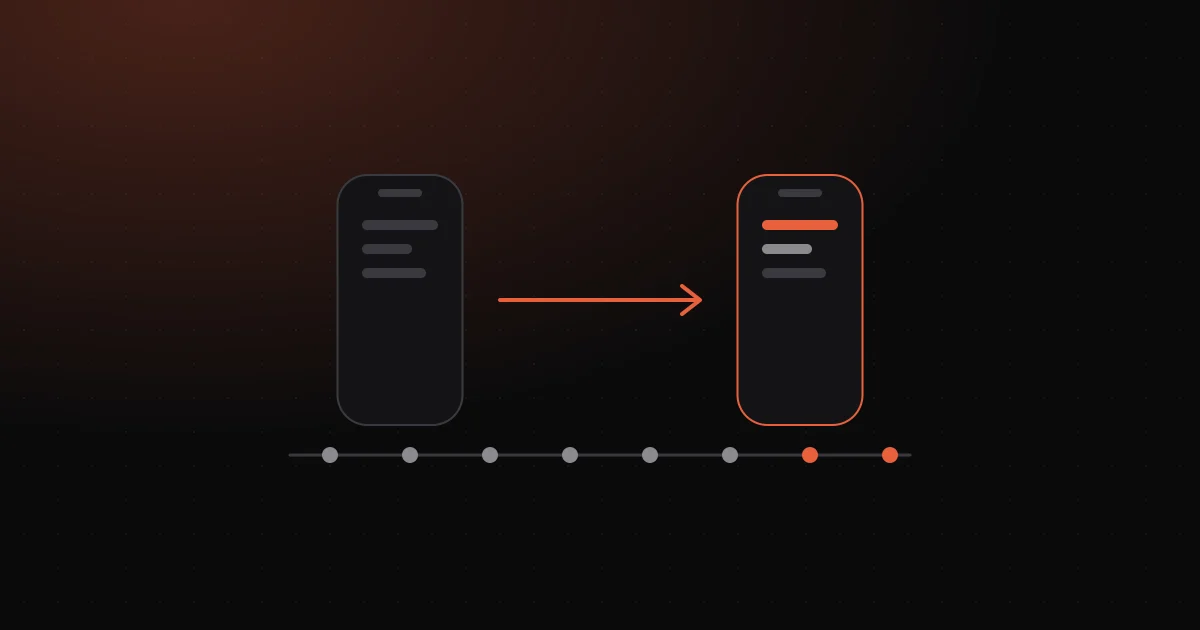
To migrate a native iOS and Android app to Flutter without a feature freeze, build the Flutter version of the app's core as a compact MVP while the native apps keep shipping. When the core is ready, publish it as an update to the same store listings, roll it out gradually, then port the remaining features, most-used first.
Why move two native apps to Flutter?
Because one codebase and one team cost less than two of each. With separate Swift and Kotlin apps, every feature is built, tested and fixed twice, and the apps drift apart: iOS gets a flow Android lacks, a bug is fixed on one side only. Flutter builds both apps from one Dart codebase, so a feature is built once and ships to both stores. If you are still choosing a stack rather than leaving one, the frameworks are compared in Flutter vs native vs React Native.
When should you not migrate?
When the move costs more than one codebase will save. A migration rebuilds everything the user sees, so it has to pay for itself.
| Situation | Migrate? | Why |
|---|---|---|
| Two apps, one product, features built twice | Yes | This is the problem Flutter solves |
| Mostly heavy native work: custom camera pipelines, complex background processing, deep hardware access | Usually no | Most of the code stays native anyway; you gain a bridge, not simplicity |
| The app will be retired or replaced soon | No | The new codebase will not live long enough to pay back |
| A small app with a handful of screens | Not as a phased project | Rebuild it in one go; core first adds little |
How does "core first" work, step by step?
The Flutter app is built next to the native apps, not inside them, and the native apps stay the live product until it is ready.
1. Review the native apps. Read both codebases and list every SDK and native integration with what it needs in Flutter. The result is a written scope and a fixed price per module. 2. Agree the core. Sign-in, the main flows (the step-by-step paths through the app) users open it for, payments, and settings that affect their data. Usage analytics decide the rest: whatever a large share of users touches every week goes in, because the switch must not take it away. 3. Build the core in Flutter, in your repository. The code is in your repo from day one, and you install regular TestFlight and Google Play test builds on your own phone. 4. Keep the native apps shipping. Fixes and features go out from the native codebases as usual. 5. Switch. The Flutter app is published from your store accounts as an update to the existing apps and rolled out gradually. 6. Port the rest. The features left out of the core follow as regular updates, most-used first. From then on, every feature is built once.
What happens to new features while the Flutter core is built?
The native apps keep releasing; that is the point of building alongside them. There is no freeze, but there is one rule: a change to a flow that is in the core must land in Flutter too, or the core will be out of date on the day it ships.
| Change during the build | Native apps | Flutter app |
|---|---|---|
| Bug fix | Ships as usual | Checked against the same flow in Flutter |
| New feature in a core flow | Ships as usual | Added to the core before the switch |
| New feature outside the core | Ships as usual | Ported after the switch |
| Large feature not started yet | Your call | Often cheaper to build once, in Flutter |
The last row is the real trade-off: build a big feature twice (native now, Flutter later) or once, in Flutter. That is a product decision, and it should reach you with the cost of each option.
Why not migrate screen by screen inside the native app?
Flutter can be embedded in an existing iOS or Android app as a module, a feature called add-to-app, and some teams migrate that way, one flow at a time. We don't. For the whole transition you maintain two toolchains (the build tools for each stack), two build setups and a bridge that shares navigation, state and sign-in between native and Flutter screens. The Flutter docs also list limitations for that setup on mobile, such as plugins that assume a Flutter activity is always present.
With core first there is no bridge: native until the switch, Flutter after it.
How do users' accounts and data move to the Flutter app?
Backend accounts need no migration: the Flutter app talks to the same API. What needs work is what the native app stored on the phone. In plain terms: who is signed in, the user's settings and any data kept for offline use. The Flutter app has to find all of it on its first launch, or users notice on update day.
- Sessions. If the Flutter app cannot read the tokens the native app kept in secure storage (Keychain on iOS, encrypted storage on Android), every user is signed out on update day. The Flutter app's first launch reads them and carries the session over.
- Preferences. Flutter's
shared_preferencesplugin wraps NSUserDefaults and Android SharedPreferences, but by default reads only keys that start withflutter.; its documentation shows how to reach preferences written by a non-Flutter version of the app. - Local databases and files. Core Data (iOS) and Room (Android) are the built-in ways native apps keep a database on the phone. Their data, plain SQLite databases and files written by the native app need a one-time migration on first launch.
All of it is tested by installing the Flutter build over the native app on real devices: the path every existing user takes.
What about payments, Bluetooth and other native integrations?
They come with you. Common SDKs have Flutter plugins. Where one does not, or native code is worth keeping, Flutter calls it through platform channels: asynchronous messages between Dart and Kotlin or Java on Android, and Swift or Objective-C on iOS. Native code for a custom SDK can often stay behind a channel. Home-screen widgets, watch apps and app extensions are built natively even in a Flutter app, so the review scopes them separately.
Will the Flutter app keep the store listing and reviews?
Yes, if it is published as an update to the same app rather than as a new one. The stores identify an app by its ID, not by the language it is written in.
- Google Play. The application ID identifies the app in Google Play; change it and Play treats the upload as a different app (Android Developers: application ID). Updates must also be signed with the same app signing key (app signing).
- App Store. A new version uses the same app record as the previous one (App Store Connect Help), and the bundle ID cannot be changed after a build has been uploaded (app information).
So the Flutter app keeps the native app's bundle ID and application ID, is signed with the same key, and reaches users as an ordinary update in the same listing. The App Store overview rating is reset only if you choose to reset it, and written reviews keep showing either way (Apple: reset an overview rating).
One practical detail: Google Play needs a greater versionCode for each release and rejects one already used (versioning). The native app keeps raising it during the build, so the Flutter build number must start above the native app's last release.
What happens on switch day?
The Flutter app goes out to a small share of users first. The stores' tools, as of October 2026:
| Store | Tool | How it works |
|---|---|---|
| App Store | Phased release | Over 7 days, from 1% to 100% of users with automatic updates; can be paused for up to 30 days |
| Google Play | Staged rollout | You choose the percentage and raise it yourself; it works for updates only, and the switch is one |
Two caveats. During a phased release anyone can still download the new version manually from the App Store. On Google Play, halting a rollout stops new users from getting the version, but those who already have it stay on it; the remedy is a new release.
Agree the fallback in advance. The fastest fix is usually a new Flutter build; republishing the native build with a higher version number is the last resort, and works only if the native app can read what the Flutter app has stored.
What happens to the native team?
It keeps shipping until the switch. Afterwards a Flutter app still has native work: platform channels, SDK integrations, widgets, watch apps. Native developers can learn Dart, and their platform knowledge is what Flutter teams often lack. Whether to retrain, reassign or reduce the team is your decision; the plan should give it a date.
What are the risks, and how do you reduce them?
| Risk | How to reduce it |
|---|---|
| The core misses something users rely on | Decide the core from usage analytics, not memory |
| Users are signed out or lose local data | Test installing over the native app on real devices |
| A native SDK has no Flutter plugin | Find it in the review, before the price; plan a platform channel |
| The core keeps growing and never ships | Fixed scope per module; features outside the core are ported after the switch |
Moving your native apps to Flutter with us
DriveCode builds iOS & Android apps, Flutter-first. We start by reviewing both native apps and writing down the scope: the core, the native integrations, and how users' data moves. You get a fixed price per module, the code lives in your repository from day one, and the Flutter app ships from your own store accounts. How it works: native to Flutter migration without a feature freeze. If the team that built the native apps has already left, the app takeover comes first. What a migration costs and why: Flutter migration cost.
Questions people ask
Do we have to stop releasing the native apps during the migration? No. The Flutter core ships as an MVP while the native apps keep shipping; the rest follows in regular updates, most-used first. Changes to core flows are added to the Flutter scope too.
Will users have to download a new app? No. The Flutter app keeps the bundle ID, application ID and signing key, so it arrives as an ordinary update to the same listing.
Do you migrate screen by screen with add-to-app? No. We build the core as a separate Flutter app and switch once it is ready, so there is no bridge between native and Flutter screens to maintain.
Can we roll back if something goes wrong? Not with a button. The stores' rollout tools pause or halt a release; they do not move users back to an earlier version. That is why the switch goes out gradually.
How much does a migration cost? It depends on the size of the core and the native integrations, which is why we give a fixed price per module after reviewing both apps. Projects start from $10K.